Backdated tax credits, Google Maps fuel prices, Rossendale Youth Hub — 9 October 2026
Compiled by Get Sorted HQ · Reviewed before publication · How we review updates
3 useful updates, explained with practical steps and links to the original sources. Read the whole briefing here or save the PDF for later.
Download the PDFBackdated disability benefit: how to ask HMRC for extra tax credits
Source date: · Checked by Get Sorted HQ:

HMRC may pay extra tax credits for a past period if your disability benefit decision was backdated. You must meet the TC956 conditions and apply within one month of being told about the qualifying award or increased rate.
Who this affects: For people who claimed tax credits during the period covered by a backdated disability-benefit decision.
How to ask HMRC for the backdated increase
- Find your disability benefit decision letter. Note when you were told and check that its backdated period overlaps a period when you claimed tax credits.
- On the HMRC page below, open helpsheet TC956 under 'Before you start' and check its conditions.
- Under 'How to apply', choose TC-DB1 for an adult Working Tax Credit decision or TC-DB2 for a child Child Tax Credit decision.
- Download the PDF and open it on a computer with the latest free Adobe Reader. HMRC says browser viewing may fail. Fill it in on-screen and save it.
- In the form, find 'What you need to do now'. Email the saved form to the HMRC address there within one month of being told you qualify or the benefit rate increased.
- HMRC will check the claim and phone or write with the result and how any payment will be made.
Check before acting: The one-month deadline runs from when you were told about the qualifying decision or increased rate. The GOV.UK page has an accessible-format contact.
Original source: Apply for an increase in tax credits for a backdated disability benefit decision ↗
Read HMRC helpsheet TC956 ↗Google Maps now shows nearby petrol and diesel prices in the UK
Published by Department for Energy Security and Net Zero and HM Treasury: · Checked by Get Sorted HQ:
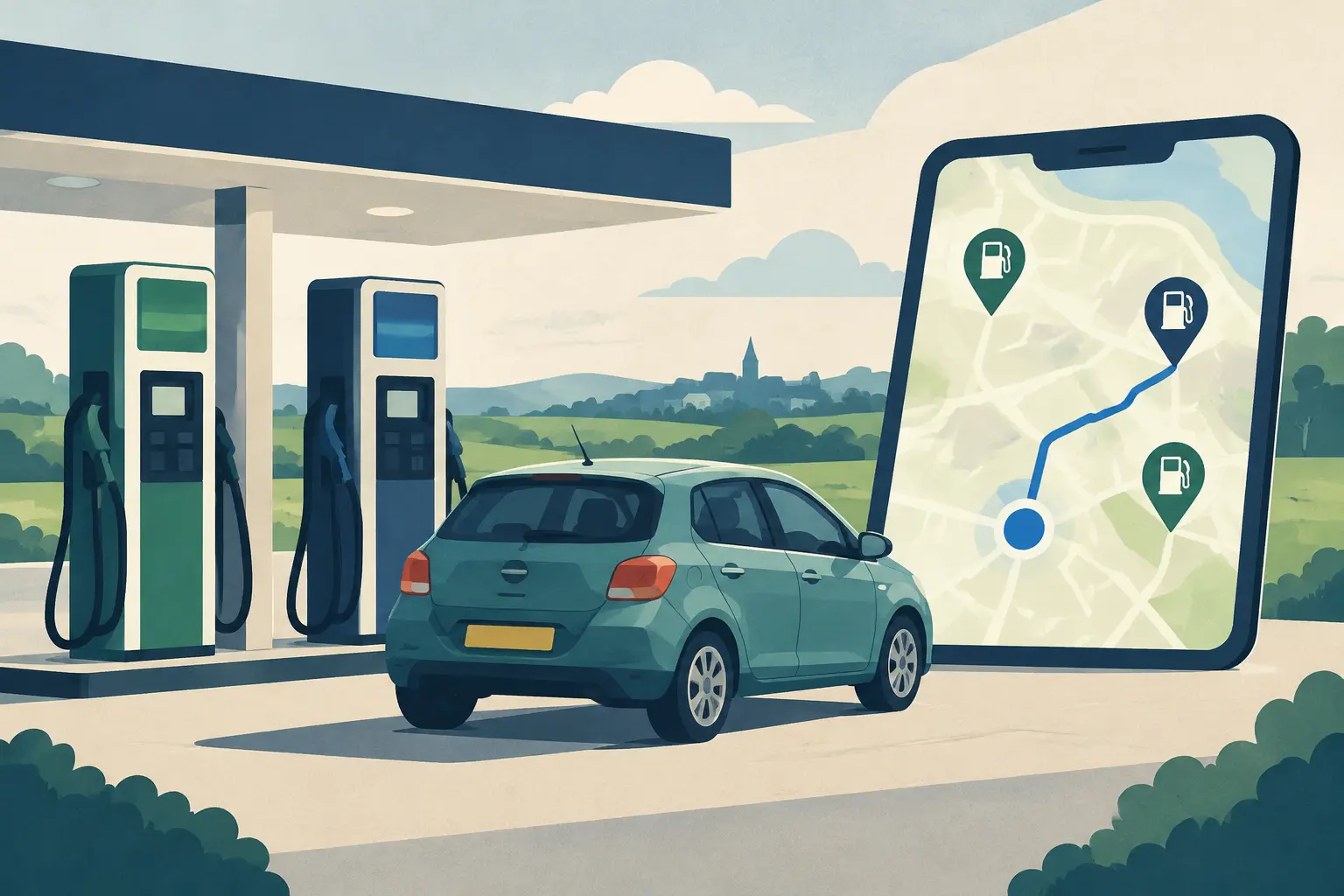
Near-real-time petrol and diesel prices are now displayed in Google Maps for forecourts nearby. The announcement says Fuel Finder data covers around 99% of all fuel sold on UK roads; prices are described as near-real-time, not guaranteed to be current at the pump.
Who this affects: UK drivers using Google Maps to look for nearby forecourts.
What this means for you
Comparing nearby forecourts may help you spend less on fuel. Check the pump price before filling up and consider whether extra travel would outweigh the saving.
How to compare fuel prices
- Open Google Maps and search for a nearby petrol station or forecourt.
- Open nearby station listings and look at the displayed petrol or diesel prices. Compare several stations before deciding where to fill up.
- The prices are described as near real time, so confirm the actual pump price when you arrive. Consider any extra travel when judging whether a cheaper listing saves you money.
- If a station has no visible price in Maps, the official announcement also names Waze, Petrol Prices, the AA, Confused.com and RAC Fuel Watch as services using Fuel Finder data. Check a listing there before relying on it.
Check before acting: Prices are described as near real time and may change. Confirm the price at the pump; a cheaper forecourt does not guarantee a saving after travel costs.
Original source: Drivers set to save as petrol prices launch on Google Maps ↗
Rossendale Youth Hub offers work and housing support for 16 to 24-year-olds
Published by Department for Work and Pensions: · Checked by Get Sorted HQ:

Rossendale Borough Council says its Youth Hub programme for 16 to 24-year-olds runs at Futures Park, Bacup, on Wednesdays and Thursdays from 10am to 3pm. The council describes the Adrenaline Centre service as a separate Resilience Hub.
Who this affects: Young people aged 16 to 24 in the Rossendale area.
What this means for you
If you are aged 16 to 24 in Rossendale, contact the council before travelling to confirm how to join, current opening times and accessibility arrangements. The Youth Hub and the separate Resilience Hub offer different services.
How to find Rossendale Youth Hub support
- If you are 16 to 24 and want help with work, training or wellbeing, read the council's Youth Hub page below. It lists CV writing, job applications, budgeting, housing awareness and other support.
- The council says the 12-week development programme runs Wednesday and Thursday, 10am to 3pm, at The Business Centre, Futures Park, Bacup, OL13 0BB.
- The council page does not explain whether you need to book. Before travelling, call its customer service hub on 01706 217777 to confirm entry arrangements, the current programme and accessibility needs.
- Tell the team which support you want: for example CV and job applications, skills, budgeting or housing awareness. Ask how to join the programme and what to bring.
Check before acting: The DWP announcement also mentions Monday at the Adrenaline Centre, but the council calls that a separate Resilience Hub. Confirm the right service with the council before a Monday visit.
Original source: Major boost for young people in Rossendale as Youth Hub opens to support them towards work ↗
Read Rossendale Council's Youth Hub page ↗Council contact details ↗